Feature deep dive

Logical model

Capture what the business actually means, in a canvas that stays readable as the model grows.

Logical model canvas with entities and relationships
Overview

Where the shared understanding is built

The logical model is the reference point every other module builds on.

The logical model describes the concepts your organisation cares about — customers, contracts, shipments — and how they relate, without any database-specific detail getting in the way. Business people can read it, and architects can build on it.

Every attribute can be sourced from the shared dictionary, so a definition written once is reused everywhere. When the dictionary changes, every model that uses the term is updated with it.

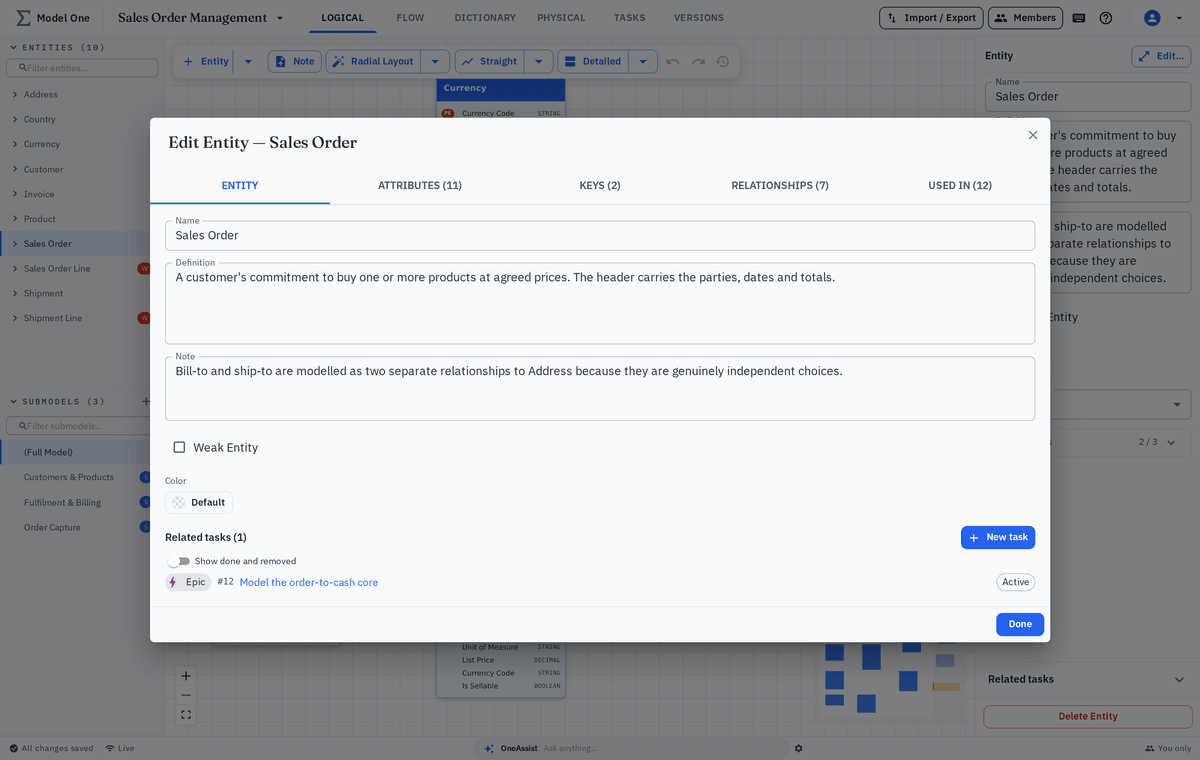
The screenshots below come from the product, populated with a small demo model so you can see exactly what the working surface looks like.

Walkthrough

From a blank canvas to a reviewed domain

Four steps that cover how most teams work in the logical model.

Step 1

Lay out entities on the canvas

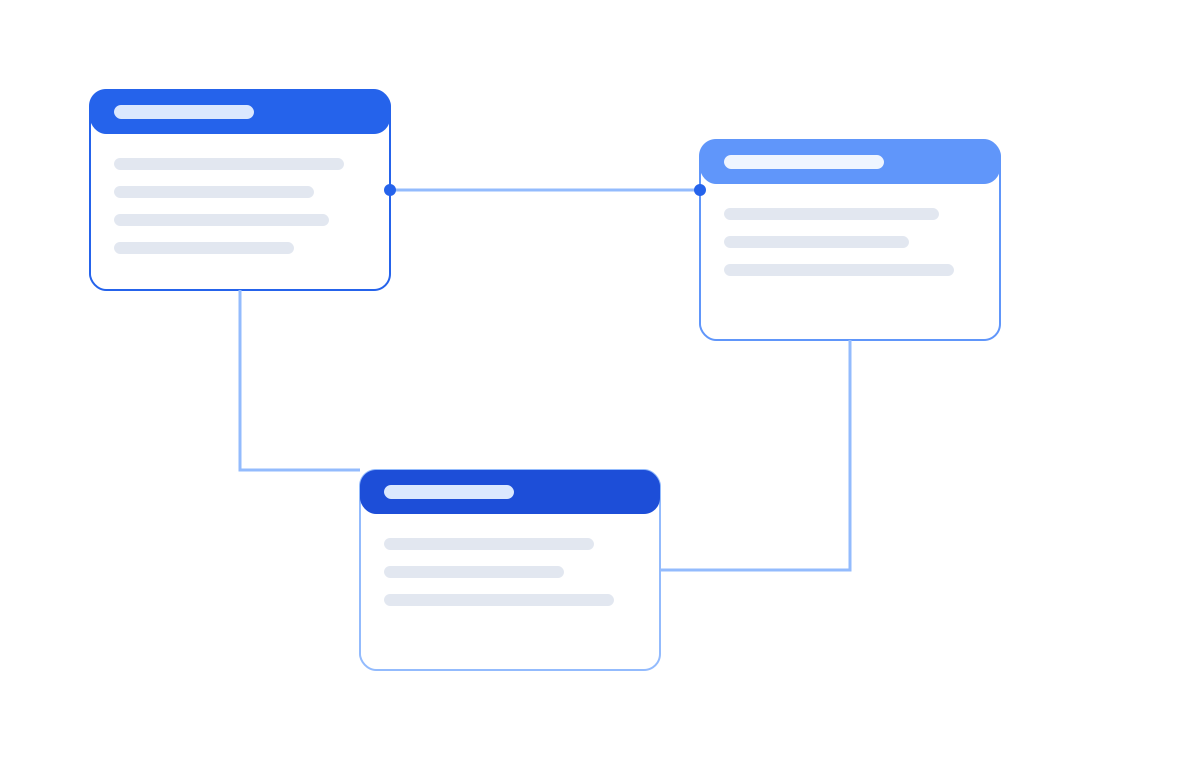
Add entities directly on the canvas and connect them as the domain takes shape. Automatic layout keeps a growing diagram legible, and you can pin anything you want to stay put.

  • Create entities inline without leaving the canvas
  • Automatic layout with manual pinning where it matters
  • Zoom, pan and fit-to-screen for large domains
  • Colour and grouping to separate subject areas
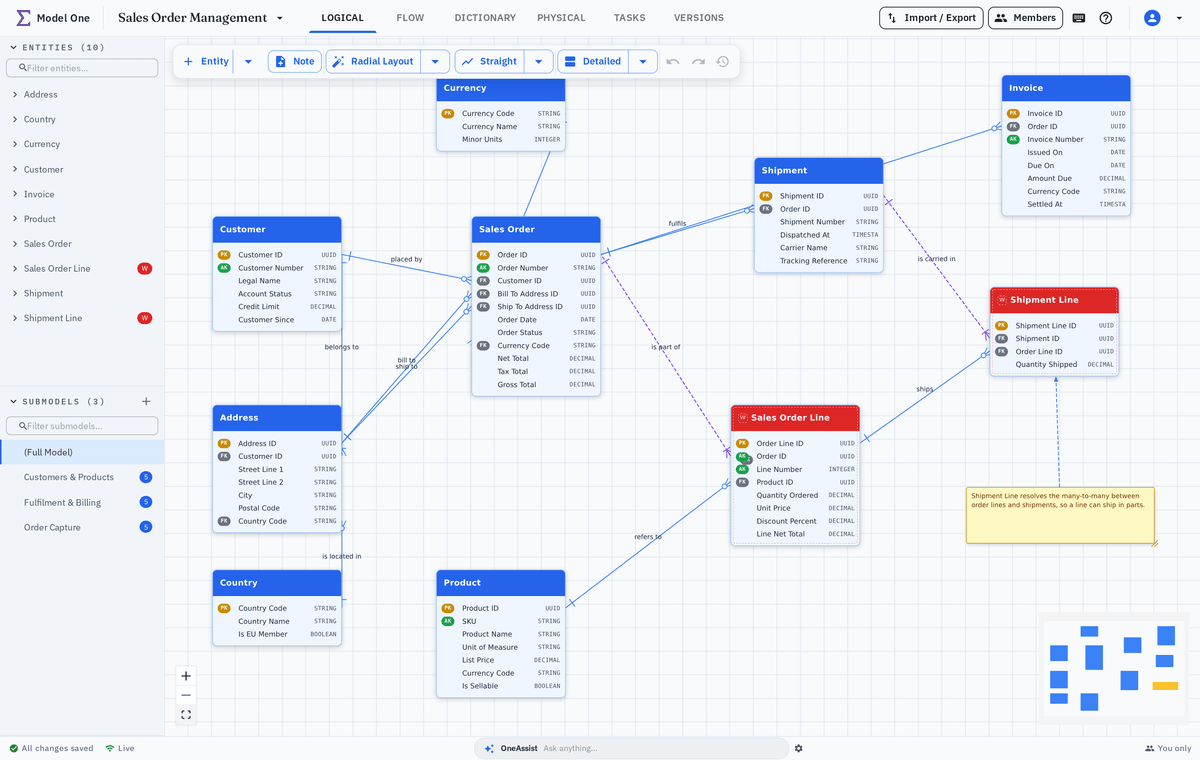
Logical model canvas showing demo entities laid out automatically
Step 2

Add attributes from the shared dictionary

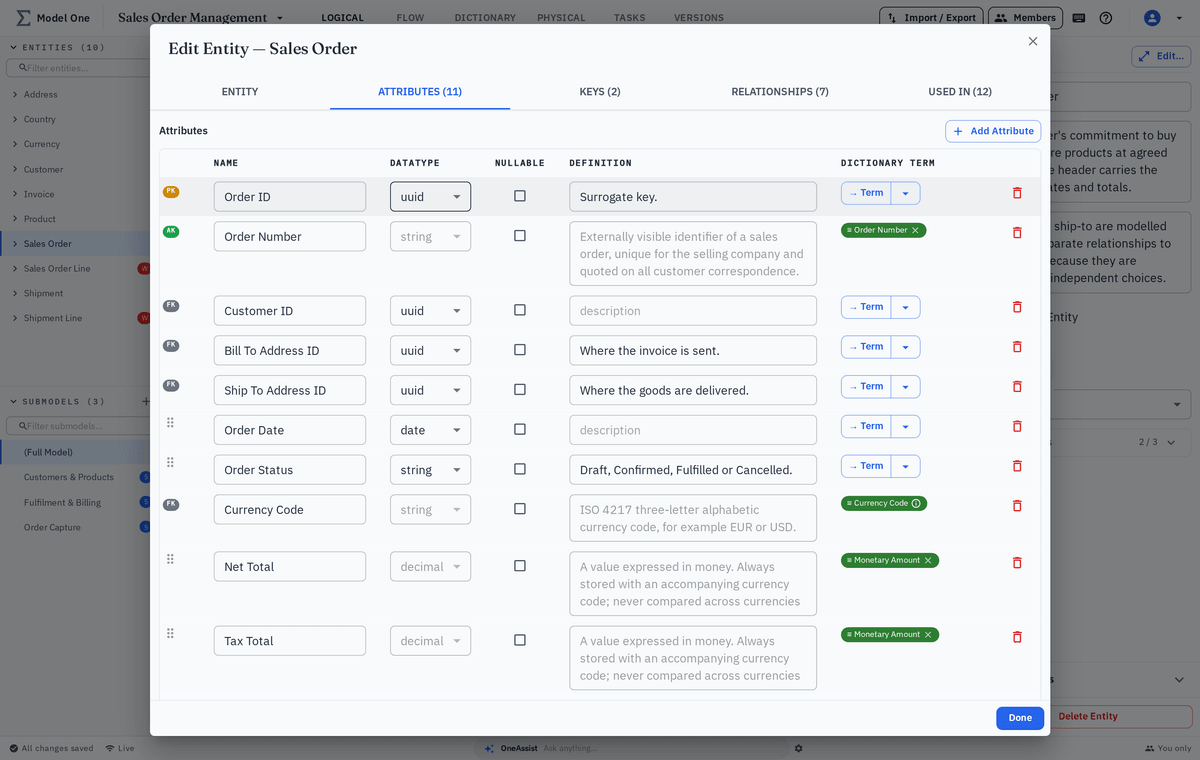
Attributes are picked from the dictionary rather than typed free-hand, so the same concept keeps the same name, definition and data type in every model that uses it.

  • Type-ahead search across the whole dictionary
  • Definition and data type inherited automatically
  • Keys, optionality and ordering set per entity
  • Drag to reorder attributes into a sensible reading order
Entity editor with attributes sourced from the shared dictionary
Step 3

Describe relationships and cardinality

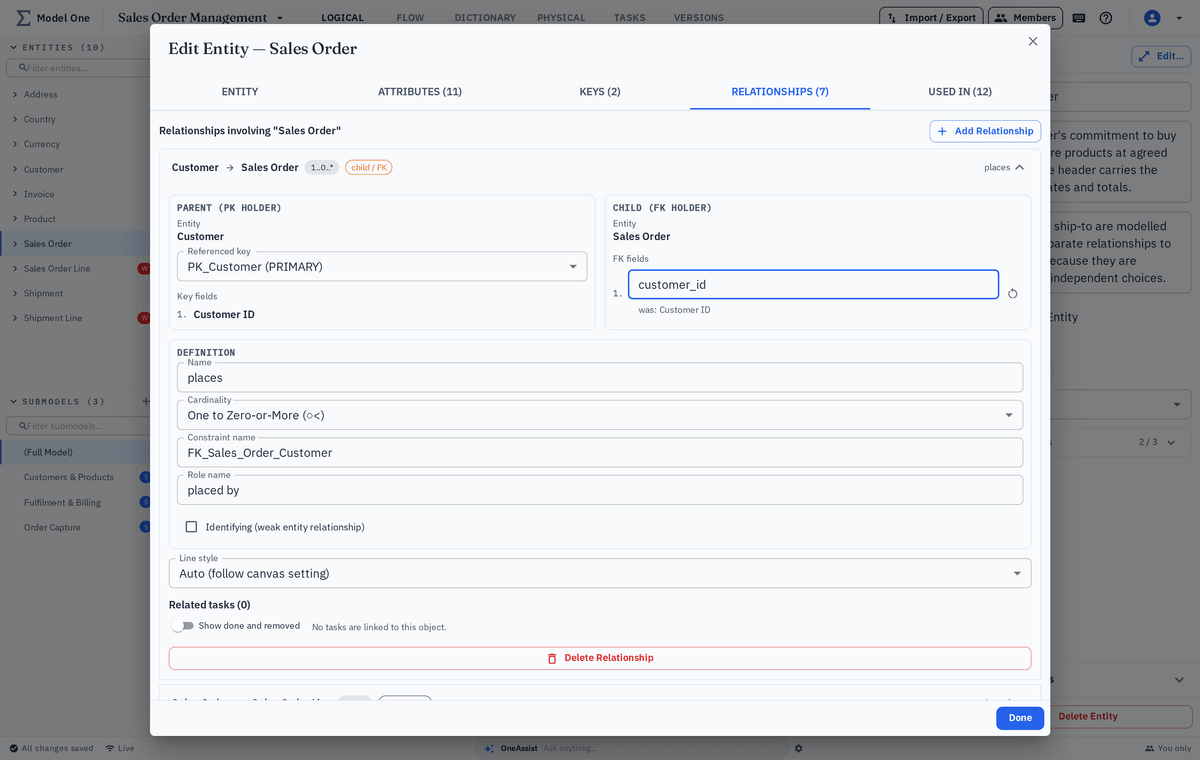
Connect entities and state exactly how they relate. Cardinality and optionality are explicit, which is what makes reliable physical generation possible later.

  • One-to-many, many-to-many and identifying relationships
  • Explicit optionality on both ends
  • Named roles so the diagram reads as a sentence
  • Validation warnings for incomplete definitions
Relationship editor showing cardinality between two demo entities
Step 4

Review, comment and version

Discussion happens on the model itself. Comments and tasks attach to the entity they concern, and named versions let you compare a design before and after a review round.

  • Comments and tasks pinned to specific entities
  • Point-in-time project snapshots with a description and tags
  • Diff between any two versions showing added, changed and removed elements
  • Viewer role for stakeholders who only need to read
Comment thread and version history on a demo entity
Highlights

What teams rely on most

The details that keep a logical model trustworthy over years, not weeks.

Dictionary-backed attributes

Definitions are written once and reused, so the same concept never ends up with three different meanings.

Modules and subject areas

Split a large landscape into readable slices without breaking the connections between them.

Versions and comparison

Every change is recorded, and any two versions can be compared side by side.

Keep exploring

Where the logical model goes next

The same entities drive the flows that move them and the schema that stores them.

Model one of your own domains

We will walk a domain you care about from first entity to reviewed design in a single session.