Features

Everything you need to design trusted data

Model One covers the whole journey: the business concept, the flow between systems, the deployed schema — and the collaboration that holds it all together.

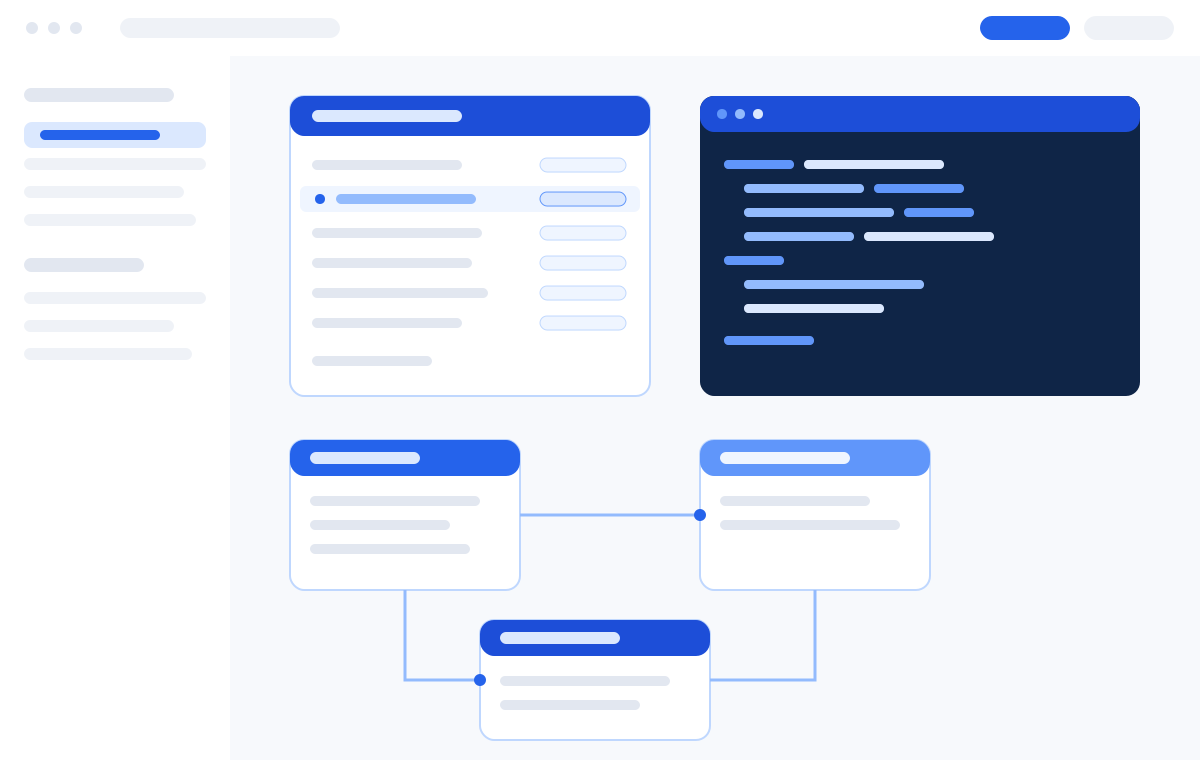
Overview of the Model One workspace
Core modules

Five modules, one connected model

Each module stands on its own — and gets far more powerful when used together.

Logical model

Business-readable entity modeling

A fast, focused canvas for entities, attributes and relationships. Automatic layout keeps large models legible, and every attribute can be sourced from the shared dictionary so definitions never drift.

  • Entities, attributes, keys and relationships
  • Automatic layout for large diagrams
  • Modules and subject areas for scoping
  • Inline comments, tasks and review workflow
  • Import from existing databases and spreadsheets
See the logical model in detail

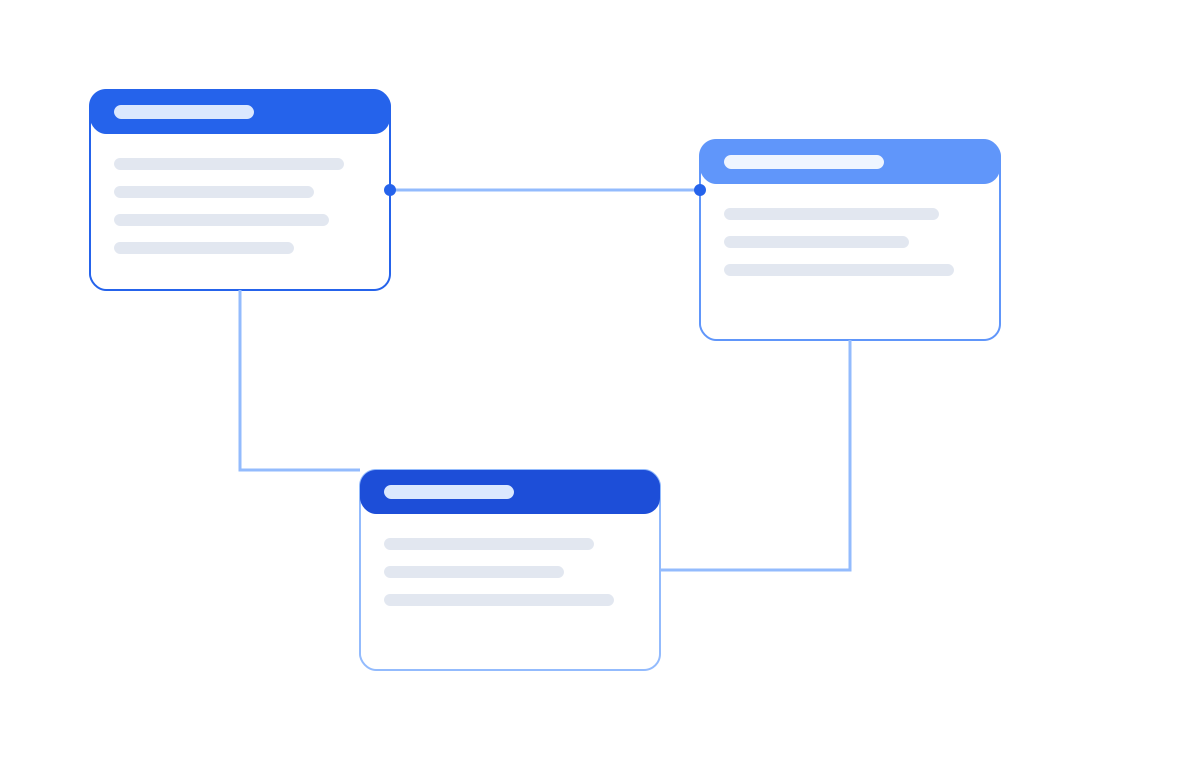
Logical model canvas with entities and relationships
Flow

Data flows that stay connected

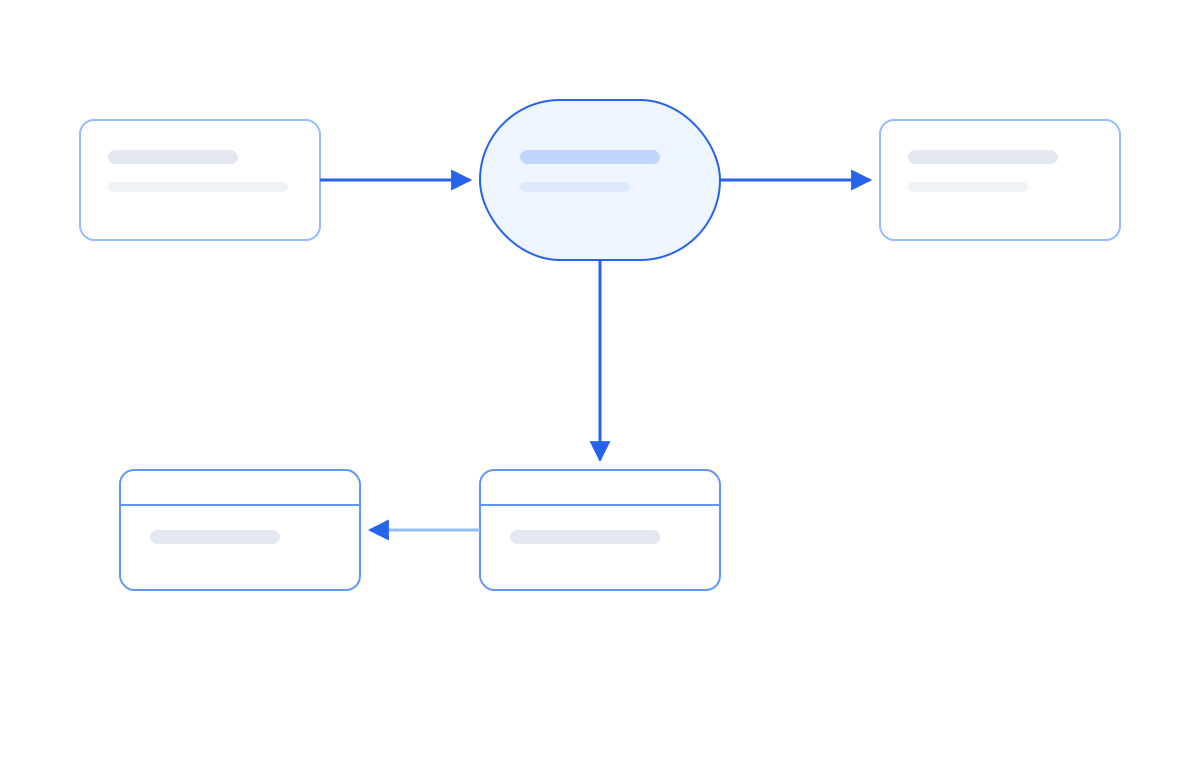
Model where data comes from, what each step does to it, and which entities it loads. Because flows reference real entities and attributes, changes in the logical model surface immediately in the flow view.

  • Source objects, processing steps and target entities
  • Attribute-level mapping, match keys and validation rules
  • Adjustable detail for different audiences
  • Impact analysis across the landscape

See Flow in detail

Flow diagram in Model One
Physical model

From design to deployable schema

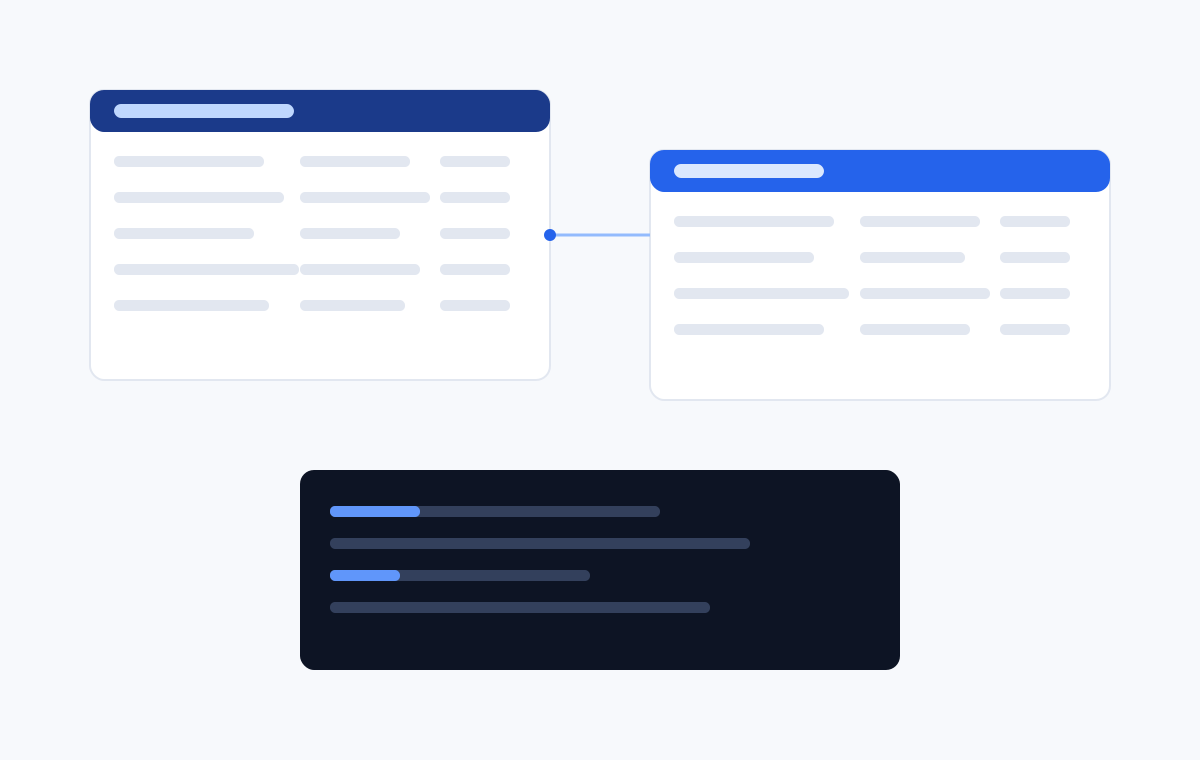
Generate a platform-specific physical model from the approved logical design. Naming standards, data type mappings and key strategies are applied consistently across every table.

  • Platform-specific data type mapping
  • Configurable naming conventions
  • Primary, foreign and surrogate key strategies
  • DDL and dbt export
  • Traceability from column back to business concept

See the physical model in detail

Generated physical database schema
Tasks

The work around the model, tracked with the model

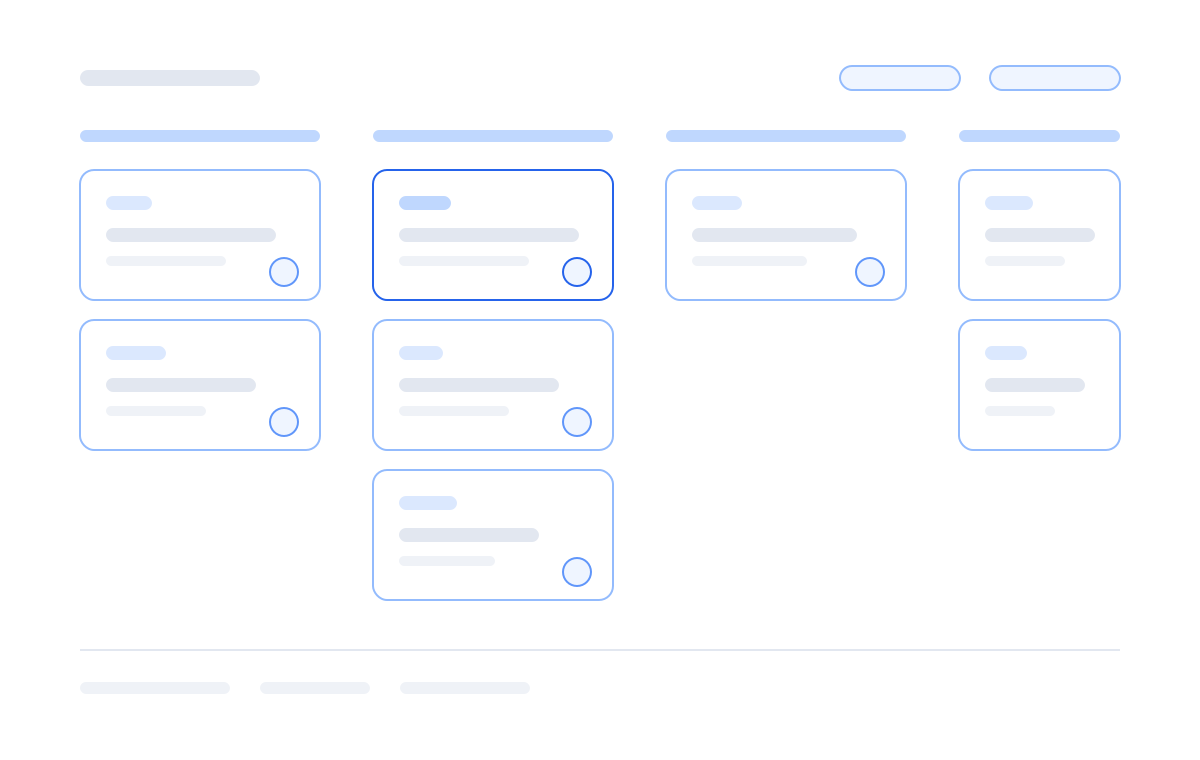
A built-in board for epics, features, user stories, tasks and bugs. Every work item can link to the entities, Flows, dictionary terms and physical models it affects, so open questions live next to the design they concern instead of in a separate tracker.

  • Tree, board and list views over the same backlog
  • Statuses, priorities, assignees, due dates and tags
  • Work items linked to entities, Flows and dictionary terms
  • Related tasks visible directly on every model object
  • Comments, swimlanes and shareable links to any item

See tasks in detail

Task board with work items grouped by status
AI assistant

An assistant with full project context

Ask for a first draft of a domain, request attribute suggestions, or have the assistant explain an unfamiliar part of the model. It reads your actual project, not a generic template.

  • Draft entities and attributes from a plain-language brief
  • Consistency and naming suggestions
  • Explain any part of the model on demand
  • Every suggestion is reviewed before it is applied

See the AI assistant in detail

AI assistant panel suggesting entities
Platform

Built for teams and for the enterprise

The capabilities that turn a modeling tool into a dependable part of your delivery process.

Real-time collaboration

Live presence, safe element locking and instant updates so a whole team can model in the same project at once.

Shared dictionary

One vocabulary of terms, definitions and data types reused across every model and every module.

Versions & history

Named versions, full change history and side-by-side comparison make design reviews and audits straightforward.

Cross-module traceability

Follow any concept from the business definition through the Flow that moves it to the column that stores it — and back again.

Roles & permissions

Owner, editor and viewer roles keep published models safe while still making them easy to read and share.

Import & export

Bring in existing schemas, and export to DDL, dbt, documentation and images for the rest of your toolchain.

See the modules working together

The fastest way to understand Model One is to watch one of your own domains go from concept to schema.